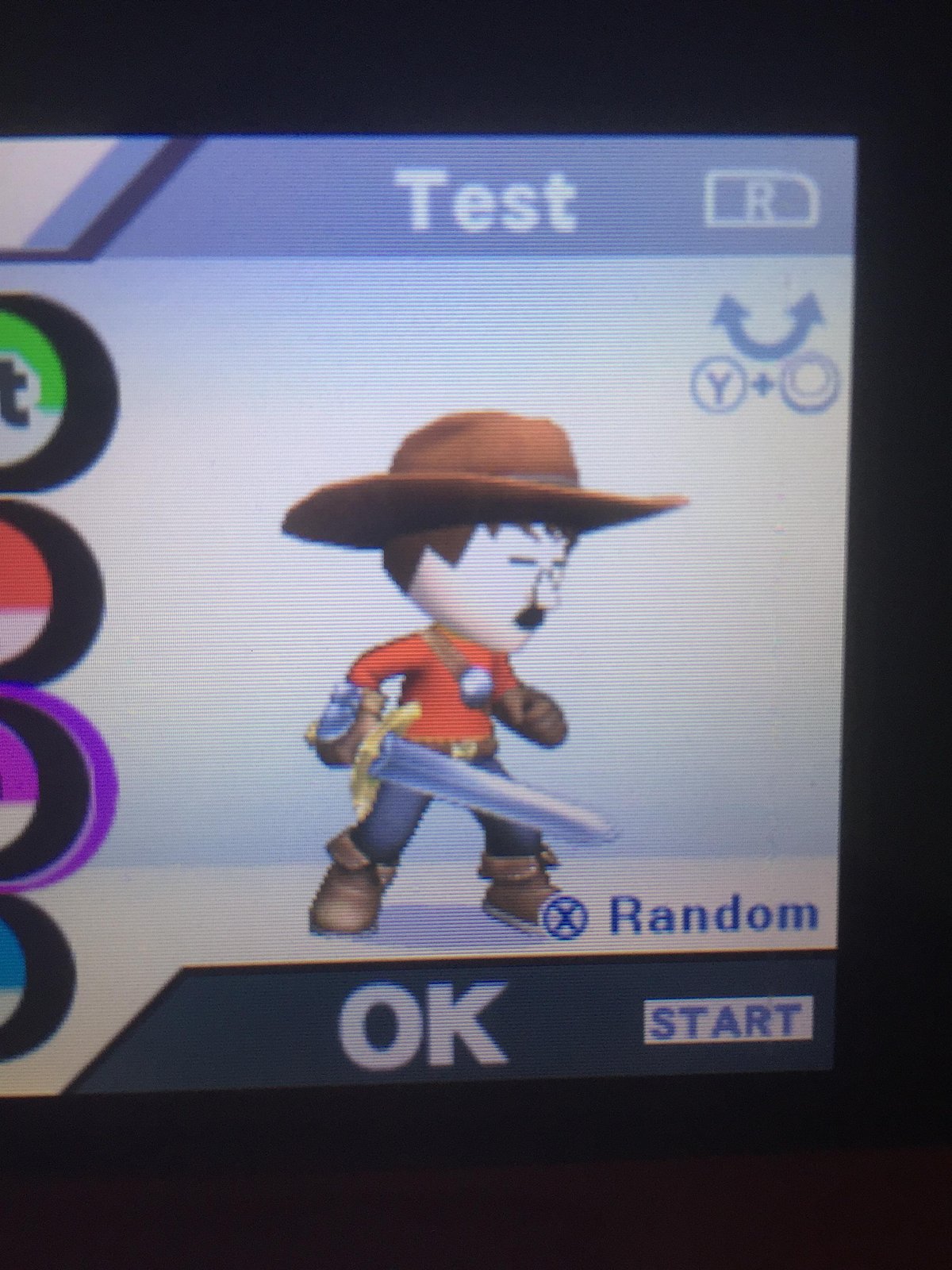
Ever tried to capture that perfect character, that inside joke, or even your favorite celebrity in Mii form, only to find yourself bumping against the basic options? You're not alone. While the Mii Creator might seem straightforward, there's a world of Advanced Mii Customization & Design Tips that can transform your creations from generic to genuinely iconic. It's about moving beyond the sliders and understanding how subtle tweaks, feature layering, and a dash of creative thinking can bring your Miis to life.
This isn't just about making your Mii look like someone; it's about imbuing them with personality, history, and a touch of the extraordinary. Ready to unlock the Mii creator's true potential?
At a Glance: Mastering Mii Design
- Start Smart: Begin with a photo import or a basic face shape, and save your work often.
- Face First: Your Mii's face shape dictates how all other features appear; choose it wisely.
- The Power of Eyes: Experiment with asymmetry, color, and rotation for maximum expression.
- Subtle Shifts, Big Impact: Small adjustments to position, size, and tilt can drastically alter personality.
- Beyond Basics: Use accessories, unusual skin tones, and themed approaches for unique characters.
- Replicate Like a Pro: Focus on 2-3 iconic features when recreating real or fictional characters, and don't be afraid to exaggerate slightly.
- Test & Refine: See how your Mii looks in different game contexts and lighting.
- Community & Practice: Join Mii communities for inspiration and practice regularly.
Building Blocks: Getting Started with Mii Creation
Before diving into the truly advanced stuff, let's quickly cover the foundation. To start a new Mii, you'll generally head into your system's settings (like System Settings on Nintendo Switch), find the Mii section, and select "Create/Edit a Mii," then "Create New Mii."
A top tip for beginners and seasoned creators alike: if your system allows it, importing a photo as a base can give you an excellent starting point, especially for real-person likenesses. Otherwise, begin with a face shape that broadly matches your vision. This initial choice is crucial, as the face shape significantly influences how every other feature will sit and look on your Mii. And for goodness sake, save frequently! Nothing's worse than losing a masterpiece to an accidental button press.
The Art of Expression: Deep Dive into Core Features
Think of Mii customization as digital sculpting. Every slider, every color choice, and every subtle adjustment is a tool in your hands. Here’s how to wield them for maximum effect.
Crafting the Face: More Than Just a Canvas
The face isn't just where features live; it's the underlying structure that defines your Mii's overall vibe.
- Shapes Matter: Don't just pick "round." Consider how an oval face might lend elegance, a square one strength, or a triangular one a mischievous air. This initial choice sets the stage.
- Skin Tones & Texture: Beyond the standard palette, delve into the vibrant or unconventional. Want a fantastical creature? Try pale blue or bright green. Some platforms even offer two-tone complexion options, allowing for unique artistic touches or even subtle scarring. Don't forget wrinkles or makeup options to add age or character.
Eyes: Windows to the Mii Soul
Eyes are your Mii's primary expressive feature. Don't just pick a type and color; sculpt them.
- Vast Variety: With over 60 eye types, ranging from realistic to delightfully cartoonish, there’s an option for almost any persona.
- Beyond Natural Hues: While brown, blue, and green are staples, dare to experiment with bright yellow, fiery red, or even multicolored options for surreal, alien, or fantastical Miis.
- Precision Placement:
- Size: Adjust both vertical and horizontal dimensions independently to create wide-eyed innocence, squinty suspicion, or anything in between.
- Position: Move them vertically to suggest tiredness or alertness, and horizontally to alter perceived intelligence or closeness.
- Rotation: A slight tilt can inject a Mii with curiosity, sadness, or a playful wink.
- Spacing: Wider-set eyes often convey an open, friendly demeanor, while closer-set eyes can suggest intensity or focus.
- The Asymmetry Advantage: Real faces aren't perfectly symmetrical. Gently tweaking one eye's size or rotation slightly differently from the other can make your Mii look incredibly more natural and lifelike.
Eyebrows: Unsung Heroes of Emotion
Often overlooked, eyebrows are crucial for conveying nuanced emotions and personality.
- Style and Substance: Choose from thin, thick, arched, straight, or bushy. Each style communicates something different.
- Color Play: Match them to the hair for a cohesive look, or choose a contrasting shade for a bolder statement or an unusual character.
- Dynamic Adjustments:
- Size: Thicker brows can add intensity, while thinner ones might suggest delicacy.
- Position: Move them vertically to raise an inquisitive arch or lower them for a stern glare. Horizontal adjustments can widen or narrow the perceived forehead.
- Rotation: This is where the magic happens. A sharp downward angle can signify anger, an upward arch surprise, and a slight inward tilt can convey contemplation.
Noses: Defining the Profile
The nose helps define the Mii's overall profile and character.
- Typecasting: From small and delicate to wide and flat, pointed or prominent, the nose type heavily influences the Mii’s perceived ethnicity, age, or even species.
- Size & Position: Adjusting vertical and horizontal size can create a broad, friendly nose or a slender, refined one. Moving its vertical position subtly shifts the mid-face balance, impacting how the eyes and mouth appear in relation to it.
Mouth: The Default Expression Setter
Your Mii's mouth defines its default mood, but with careful adjustments, it can do so much more.
- Expressive Palette: Select from various smiles, frowns, neutral, open, or closed mouth types.
- Beyond Pink: While natural pinks are standard, don't shy away from bold lipstick colors for a glamorous look or even non-natural shades for fantastical creations.
- Dimensional Adjustments:
- Size: Widen for a broad smile, narrow for a pout. Adjust vertical size to make lips fuller or thinner.
- Vertical Position: Move it higher for a more cheerful, youthful look, or lower for a more mature or serious demeanor.
- Tilting: This is an advanced trick. A subtle tilt to one side can create a smirk, a skeptical look, or a playful attitude, adding incredible depth to the Mii's expression.
Hair: The Crown of Individuality
Hair is often the most recognizable Mii feature, so make it count.
- Hundreds of Styles: With over 100 styles, you have options for nearly any look, from classic cuts to wild, spiky dos.
- Color Unleashed: Beyond standard black, brown, blonde, and red, explore unique shades like vibrant pink, electric blue, or forest green.
- Unusual Combinations: Don't be afraid to combine an edgy mohawk with a neon purple, or a sleek bob with an unexpected streak of green.
- Fine-Tuning: Adjust hair length, overall shape, and specific positioning to achieve the desired silhouette. Remember that many hairstyles can also be mirrored for even more versatility.
Body: The Unspoken Posture
While Mii bodies are simpler than faces, their height and build sliders are critical for conveying posture and presence.
- Height & Build: These are your primary tools. A very tall, slim Mii will carry itself differently than a short, heavy one.
- Implied Posture: Use these sliders to imply a posture. A short, rounded Mii might seem timid; a tall, slim one could appear confident; a broader, muscular Mii suggests strength. These adjustments contribute significantly to character development, even without explicit pose options.
Favorite Color: A Splash of Personality
This simple setting is more than just a preference. It dictates your Mii's default clothing color and visual highlights in many games. Choose a color that reflects their personality or theme. A fiery red for an adventurous Mii, a serene blue for a calm one, or a mysterious purple for an enigmatic character.
Unlocking Creativity: Advanced Customization Techniques
Now that you're comfortable with the individual features, let's explore how to combine them in innovative ways to create truly unique Miis.
Accessorize Your Mii Identity
Accessories aren't just cosmetic add-ons; they're personality multipliers.
- Fashion Statement: Hats, glasses, bandanas, and headphones can instantly establish a modern, fashionable, or laid-back vibe.
- Character Archetypes: An eye patch can turn your Mii into a pirate, a thick mustache into a distinguished gentleman, or a beanie into a cool urbanite. Think about the story you want your Mii to tell, and pick accessories that align.
- Enhance Likeness: When recreating real people, a signature pair of glasses or a specific hat can be the missing piece to achieving uncanny accuracy.
Mii Mashups: Blending for Brilliance
Why stick to one idea when you can combine several? Mii mashups involve pulling features from different sources.
- Template Fusion: Start with one Mii template, then browse others for eyes, a nose, or a mouth that might fit your vision better.
- Nintendo Character DNA: Ever wanted to combine the iconic mustache of Mario with the sharp eyes of Link? Experiment with taking inspiration (or direct features) from well-known Nintendo characters to create new, recognizable hybrids.
- Conceptual Blending: Take the hairstyle of a punk rocker and combine it with the gentle eyes of a scholar. Unexpected combinations often lead to the most memorable Miis.
Themed Personalities: Storytelling Through Design
Giving your Mii a specific theme or personality from the outset can guide all your design choices.
- Retro Vibes: Think '80s or '90s. Use neon colors for hair or clothing, old-school sunglasses, and maybe a bushy mustache. The overall design should scream nostalgia.
- Sports Enthusiast: Incorporate bright team colors for their favorite color, a sporty haircut, and perhaps a determined expression.
- Fantasy Archetypes: A wizard might have a long beard, a distinctive hat, and piercing, unusual eye colors. A rogue could have a mischievous smirk and slightly asymmetrical features.
- Monochromatic Moods: Challenge yourself to create a Mii using only shades of a single color, with perhaps one contrasting accent.
Monster Miis: Embracing the Fantastical
This is where Mii customization truly shines for imaginative creators.
- Glowing Eyes: Use bright, unnatural eye colors like vibrant yellow or electric red to create an eerie, otherworldly gaze.
- Sharp Fangs & Horns: Leverage accessory slots or cleverly placed eyebrow/mouth elements to suggest fangs, horns, or other monstrous protrusions.
- Contrasting Skin Colors: A sickly green, a deep purple, or a mottled gray can immediately transform a human Mii into a creature of myth.
- Mythical Touches: While you can't add direct bat wings or tails, you can imply them through body posture, specific accessories, or by focusing on animalistic eye or nose shapes. Think about how to convey the essence of a monster.
Cartoon & Comic Characters: Capturing the Art Style
Recreating your favorite animated or illustrated characters requires a keen eye for their distinctive art style.
- Exaggerated Proportions: Cartoons often feature disproportionately large eyes, tiny noses, or oversized heads. Don't be afraid to push the Mii sliders to their limits to mimic these styles.
- Signature Hair: Many cartoon characters have extremely recognizable hair. Focus on finding the Mii hairstyle that most closely matches, and don't hesitate to use bold, unnatural colors.
- Facial Quirks: Does the character have a permanent grin, an angry furrowed brow, or perpetually surprised eyes? Use the eye, eyebrow, and mouth adjustments to lock in that default expression.
Cultural Elements: Respectful Integration
Incorporating cultural motifs can add incredible richness to your Miis.
- Traditional Accessories: Use hats, headpieces, or specific eyewear to hint at different cultural aesthetics (e.g., a samurai-inspired topknot with a determined gaze).
- Facial Markings: While direct tattoos aren't an option, clever use of eyebrow placement or specific mouth shapes can suggest facial markings or traditional makeup.
- Color Palettes: Research traditional color schemes associated with certain cultures and apply them to your Mii's favorite color and overall design. Always aim for respectful representation and avoid stereotypes.
The Ultimate Challenge: Recreating Real People & Fictional Icons
This is often the ultimate test of a Mii master. It requires observation, patience, and a willingness to iterate.
- Start with a Strong Reference: Always begin with a clear, well-lit reference photo of the person or character you're trying to recreate. Multiple angles are ideal.
- Identify the Icons: Don't try to copy every single detail. Instead, focus on 2-3 truly distinctive and iconic features. For Albert Einstein, it might be his wild white hair and thick mustache. For Mario, his black mustache, round nose, and red favorite color. For Anime characters, it's often their large, expressive eyes and specific hair colors. These are your anchors.
- Subtle Adjustments Reign Supreme: Small changes in the position, size, and rotation of features make a huge difference in likeness. Moving an eye slider by just one click can transform a frown into a smirk. Work slowly and methodically.
- Layer Features Carefully: Remember that features interact. Changing the vertical position of the eyes will affect how the eyebrows appear in relation to them. Adjust your Mii in layers, starting with the broadest strokes (face shape, skin tone) and then refining details.
- Exaggerate Just a Touch: Sometimes, to make a Mii recognizable, you need to slightly exaggerate a prominent feature. A slightly larger nose, bushier eyebrows, or wider smile than in real life can actually make the Mii more like the person.
- Accessories as Identifiers: A signature pair of glasses, a specific hat, or unique facial hair can instantly clue people into who your Mii represents.
- Test in the Wild: How does your Mii look in actual gameplay? In different lighting conditions? From various angles? A Mii that looks perfect in the editor might look off in a game. Test it out and go back to refine.
- Community Inspiration: Don't reinvent the wheel. Many incredible Mii creators share their work online. Websites like Miicharacters.com or communities on Reddit (e.g., r/Mii) are fantastic resources for inspiration and even direct Mii QR codes or share keys. You can also Visit the Mii generator to explore more options and see what's possible.
Pitfalls to Avoid: Common Mii Design Mistakes
Even seasoned creators can stumble. Here are some common missteps to watch out for:
- Over-Complicating Features: Sometimes, less is more. Don't add features just because they're there. Each element should contribute to the Mii's overall personality or likeness.
- Ignoring Proportions: Even with exaggeration, maintaining some sense of facial proportion is crucial. A nose that's too high or eyes that are too wide apart can make a Mii look unnatural or unsettling (unless that's your specific intent for a monster Mii!).
- Forgetting to Save: This cannot be stressed enough. Save your work periodically, especially after significant changes.
- Not Testing in Gameplay: As mentioned, the Mii editor is a sterile environment. Actual gameplay introduces dynamic lighting, animations, and different angles. Always test your Mii in-game.
- Rushing the Process: Mii creation, especially for complex characters, is an iterative process. Take breaks, come back with fresh eyes, and be prepared to make numerous small adjustments.
Continuous Improvement: Honing Your Mii Craft
Mastering Mii customization is an ongoing journey. Here's how to keep getting better.
Study the Fundamentals
Surprisingly, a basic understanding of art fundamentals, particularly facial proportions and human anatomy, can greatly enhance your Mii creation skills. Knowing where eyes typically sit on a face, or the relationship between the nose and mouth, will give you a stronger foundation for both realistic and stylized Miis.
Engage with the Community
Online communities like r/Mii on Reddit or specialized Mii creation websites are vibrant hubs of creativity. Share your creations, ask for feedback, and learn from others. You'll often find innovative techniques and solutions you hadn't considered. It’s also a great place to pick up tips on recreating specific characters or overcoming particular design challenges.
Practice Makes Perfect
The more you create, the better you'll become. Set yourself challenges: try to create a Mii for every letter of the alphabet, or recreate an entire cast from your favorite show. Each Mii will teach you something new about the creator's tools and your own artistic eye. Don't be afraid to step away from a Mii for a while and return with fresh eyes; you'll often spot details that need tweaking.
Organize Your Mii Collection
As your Mii collection grows, it can become a jumbled mess. Consider organizing your Miis into cohesive groups. This could be:
- Family & Friends: Your personal Mii roster.
- Pop Culture Figures: Celebrities, movie characters, musicians.
- Historical Figures: Famous personalities from the past.
- Gaming Legends: Icons from other video games.
- Original Characters: Miis you've created from your own imagination, perhaps for a story or game idea.
A well-organized collection isn't just neat; it makes it easier to find inspiration, share your creations, and appreciate the breadth of your Mii design journey.
Your Next Mii Masterpiece Awaits
Mii customization is a deceptively deep art form. By moving beyond the default options and embracing subtle adjustments, creative layering, and thematic design, you can transform simple avatars into characters teeming with personality and life. Whether you're aiming for uncanny realism, whimsical fantasy, or a spot-on recreation of your favorite hero, the tools are there. All it takes is a keen eye, a bit of patience, and a willingness to experiment. So go ahead, open that Mii Creator, and start sculpting your next digital masterpiece.